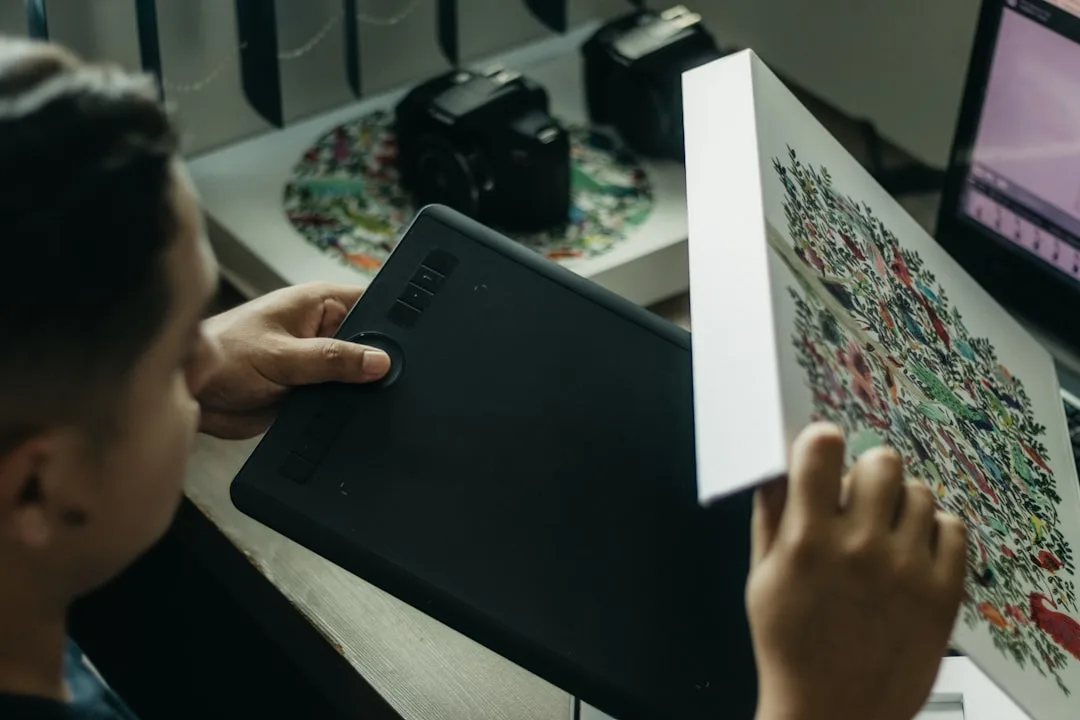
Wacom introduced the Movinkpad 11 as a versatile graphics tablet aimed at digital artists seeking an affordable yet capable tool for creative work. Released in mid-2024, the device targets hobbyists and emerging professionals who want professional features without the high cost of flagship models.
The tablet features an 11-inch display with laminated screen technology to reduce parallax, offering a drawing experience that feels close to pen-on-paper. It includes 8,192 levels of pressure sensitivity and tilt recognition, matching the performance standards found in Wacom’s higher-end Intuos and Cintiq lines, according to company specifications.
We designed the Movinkpad 11 to bridge the gap between entry-level tablets and professional displays, said Eric Huang, Wacom’s product manager for creative tools, in a statement to TechCrunch. It gives artists the core technologies they need to grow their skills without overwhelming complexity or cost.
The Movinkpad 11 connects via USB-C and supports major creative software including Adobe Photoshop, Illustrator, and Clip Studio Paint. Its compact form factor makes it suitable for small workspaces or mobile use, weighing approximately 1.2 pounds. Early adopters have noted its responsiveness in sketching and illustration tasks, particularly for line art and color blocking.
Industry analysts note that the mid-range graphics tablet market has grown significantly as digital art becomes more accessible through social media and online learning platforms. Wacom’s move into this segment reflects broader industry trends where companies are diversifying product lines to capture both beginner and professional markets.
Looking ahead, Wacom plans to expand the Movink series with potential software bundles and accessory options later in 2024. The company emphasizes that the Movinkpad 11 is intended not as a temporary solution but as a long-term creative companion for artists developing their digital workflow.
For educators and institutions, the tablet’s durability and cross-platform compatibility make it a practical choice for classroom settings where multiple users may share devices. Its anti-glare screen and customizable express keys further enhance usability across different artistic disciplines.
Wacom Movinkpad 11 Creative Applications
The device supports a wide range of creative applications beyond traditional drawing, including photo editing, 3D modeling texture work, and animation storyboarding. Artists using the tablet for mixed-media projects have reported smooth integration with digital asset libraries and cloud-based collaboration tools.
With a starting price of $349, the Movinkpad 11 positions itself competitively against similar offerings from Huion and XP-Pen while leveraging Wacom’s reputation for build quality and driver stability. The tablet is available directly from Wacom’s website and select retail partners worldwide.
Key questions
- What is the price of the Wacom Movinkpad 11?
- The Wacom Movinkpad 11 is priced at $349, positioning it as a mid-range option in Wacom's product lineup for digital artists seeking professional features at an accessible cost.
- What software is compatible with the Wacom Movinkpad 11?
- The Movinkpad 11 works with major creative applications including Adobe Photoshop, Illustrator, Clip Studio Paint, and other digital art software that supports pen input via Windows, macOS, and select Android devices.