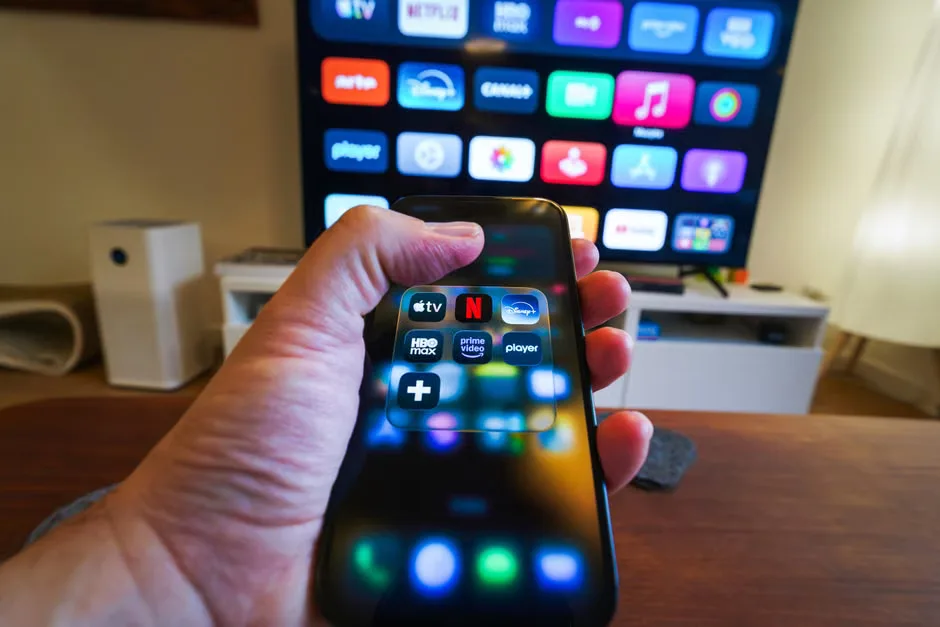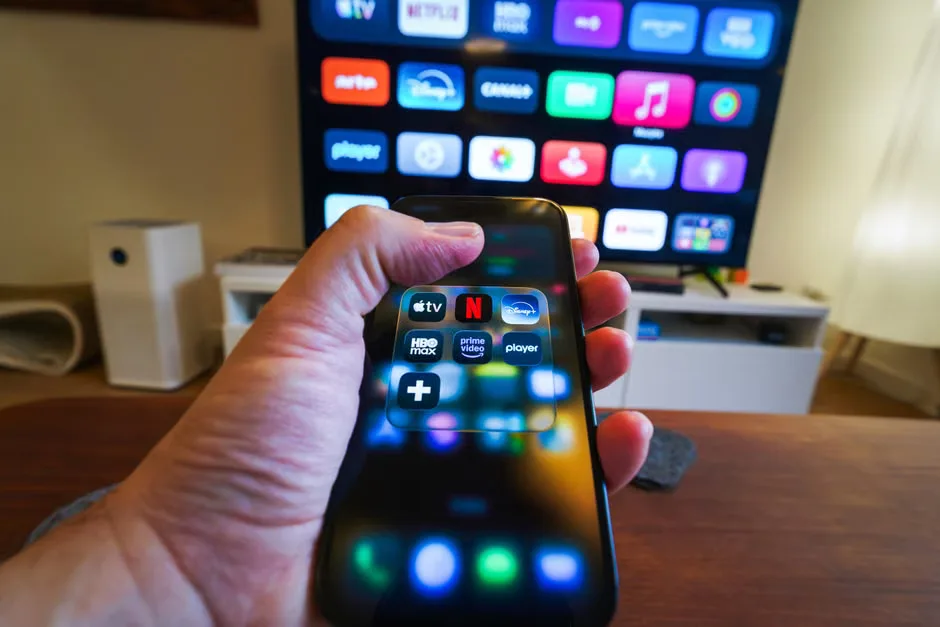
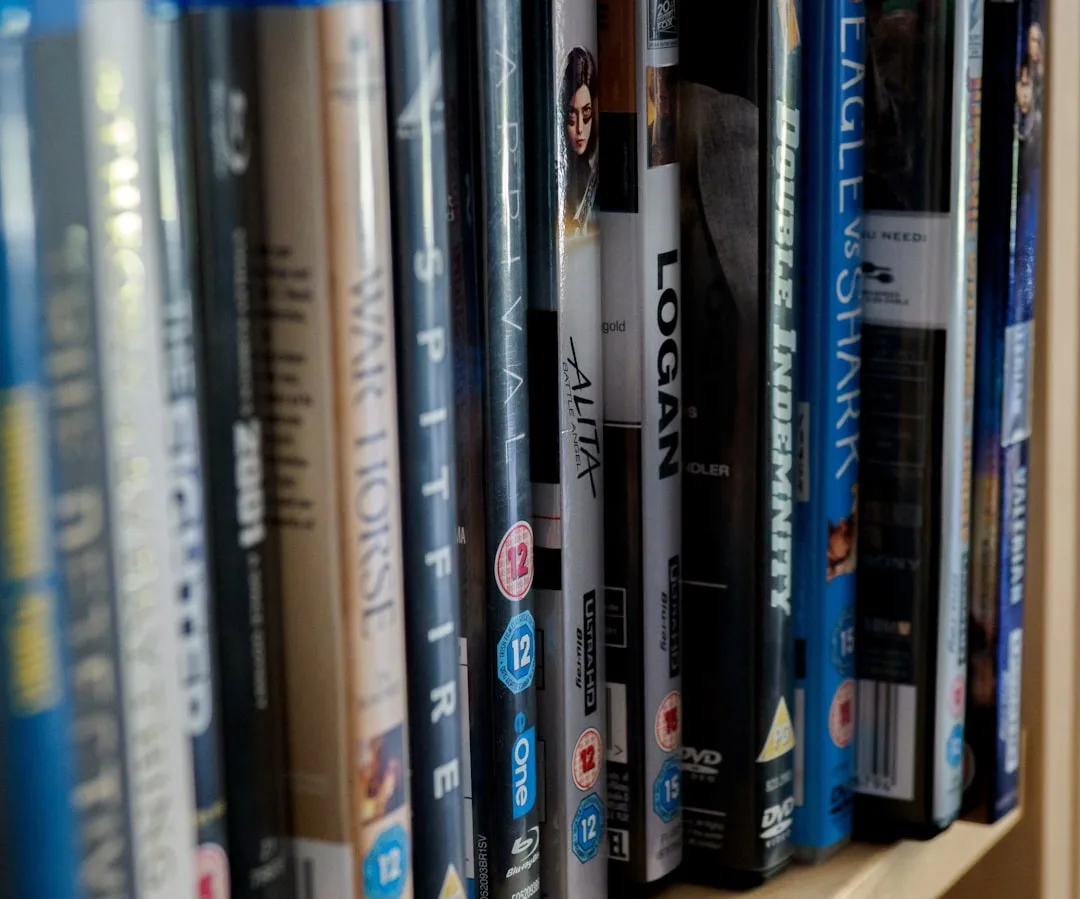
You have shelves of DVDs, a hard drive full of digital files, and maybe even a stack of Blu-rays you haven't watched in years. Finding a specific movie feels like a treasure hunt – and you're tired of it. The solution? Catalog your movie collection using a free app. In just 10 minutes, you can have every title, genre, and format organized and searchable on your phone. Here's how.
Why Catalog Your Movie Collection?
Without a catalog, you risk buying duplicates, lending movies and forgetting who has them, or simply losing track of what you own. A digital catalog saves time, prevents overspending, and turns your collection into a browsable library. Best of all, free apps make it effortless.
The 10-Minute Method
- Choose a Free App – Pick one from the list below (all are free with optional paid upgrades).
- Add Your Movies – Use barcode scanning or manual search. Most apps scan the UPC on the case.
- Organize & Tag – Group by genre, format, or location (e.g., shelf, box).
- Export or Share – Save a backup or share your list with friends.
Top Free Apps to Catalog Your Movie Collection
1. CLZ Movies
CLZ Movies is the most popular movie cataloging app. Its free plan lets you add up to 100 titles, which is enough for a starter collection. Scan barcodes or search by title. It auto-fills details like cast, runtime, and ratings, and you can add custom fields like "loaned to" or "location."
2. My Movies
My Movies syncs with the IMDb database. The free version adds unlimited movies but shows ads and limits some features like high-resolution covers. It supports barcode scanning and multiple lists. You can also export to CSV.
3. Movie Collection
This straightforward app focuses on simplicity. Free for up to 50 movies, it includes manual entry, genre sorting, and a wish list. No ads. Great for small collections.
4. DVD Profiler
Originally for DVD collectors, it now handles Blu-ray and digital files. The free desktop version is powerful, with a companion mobile app ($4.99). But the desktop-only option is free and robust.
Step-by-Step: How to Catalog in 10 Minutes
Step 1: Gather Your Movies (1 minute)
Bring a stack of 20–30 cases near you. If most are digital, open your media folder.
Step 2: Open Your Chosen App (1 minute)
Download from App Store or Google Play. Create a free account if needed.
Step 3: Add Movies via Barcode Scan (3 minutes)
Use the app's camera to scan the UPC code on the back of each case. The app instantly pulls up the correct movie. If a barcode won't scan (e.g., digital files), use manual search.
Step 4: Add Digital Files (2 minutes)
For movies on your computer or external drive, search by title and add manually. Most apps let you type the name and the rest auto-fills.
Step 5: Organize with Tags (2 minutes)
Create custom tags like "Favorites," "Seen 2025," or "Lent to Mike." This makes searching easy. Use folders or collections if the app supports them.
Step 6: Back Up Your Catalog (1 minute)
Export your list as a PDF or CSV, or sync to the cloud if the app offers free storage (CLZ gives 100 MB free). You won't lose your work.
Tips to Speed Up the Process
- Scan barcodes in batches – do 10 at a time.
- Use the camera flash in low light.
- Skip manual entries for obscure titles – you can add them later.
- Enable auto-backup in app settings.
What If You Have a Huge Collection?
If you own 500+ movies, 10 minutes won't finish it. But you can still use the 10-minute method to start: catalog one shelf or genre per session. Over a week, you'll be done. Or upgrade to a paid version that supports unlimited entries.
FAQ
Can I catalog movies from different formats (DVD, Blu-ray, digital) in one app?
Yes, all recommended apps support multiple formats. You can mix physical discs and digital files in the same catalog.
Do I need an internet connection to use these apps?
An internet connection is needed to download movie details initially, but after that, you can view your catalog offline.
Can I lend movies and track them?
Yes. Most apps have a "loaned" field. My Movies even sends a reminder when the loan period ends.
Are these apps safe for my data?
Reputable apps like CLZ and My Movies use standard encryption. Read their privacy policies, but they do not sell your personal data.
Key Takeaways
- Cataloging your movie collection takes just 10 minutes with a free app.
- Use barcode scanning for speed; manual search for digital files.
- Top free apps: CLZ Movies (100-title limit), My Movies (ad-supported), Movie Collection (50-title limit), and DVD Profiler (desktop).
- Organize with tags and back up your catalog to avoid loss.
- Start small – even 20 movies organized is better than none.